


Data Protection Commission · Ghana
Ghana's Data Protection Registration Portal
The official online service for Data Controllers and Processors to register, renew, and prove compliance under Act 843.
0
Registered entities
0
Active certificates
Online
Biennial renewals
24/7
Public verification
For Data Controllers
Register once, manage compliance in one place
Controllers decide why and how personal data is processed. This portal turns that legal duty into a guided digital workflow—so your organisation can apply, pay, hold a certificate, and renew without chasing paper forms.
- Guided application with size- and sector-based fee tiers under Act 843
- Upload incorporation documents and track review status in real time
- Download certificates, manage renewals, and update organisational details
- Receive invoices and correspondence from the Commission in your portal inbox

For Processors & the public
Process data with proof the public can trust
Citizens, partners, and regulators need a simple way to confirm who is lawfully registered. The portal closes that gap with searchable listings and certificate checks.
Data Processors
Register your processing role, keep certificates current, and demonstrate accountability to clients.
Public & partners
Search the Public Register or verify a certificate and Privacy Seal before you share personal data.
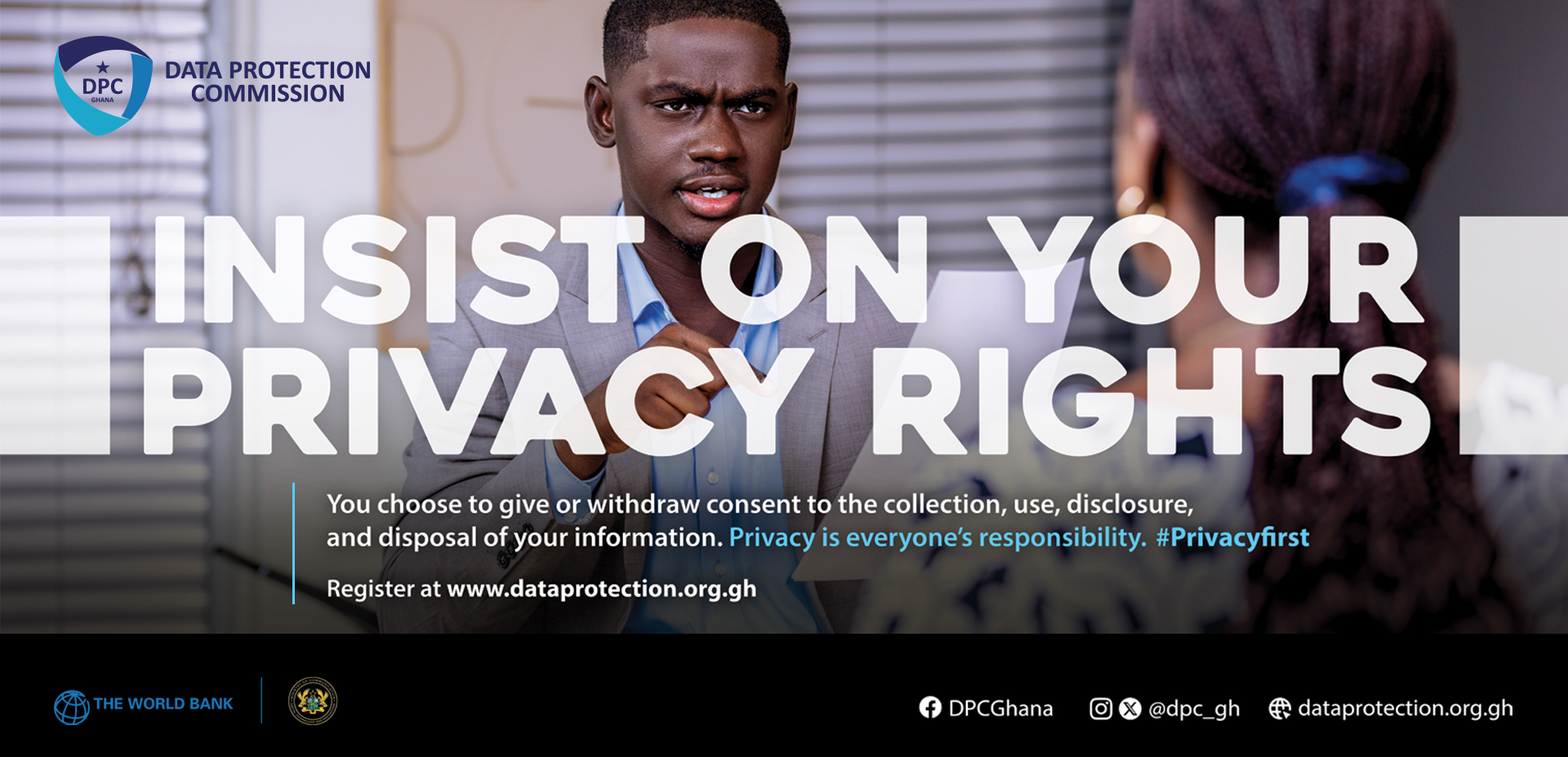
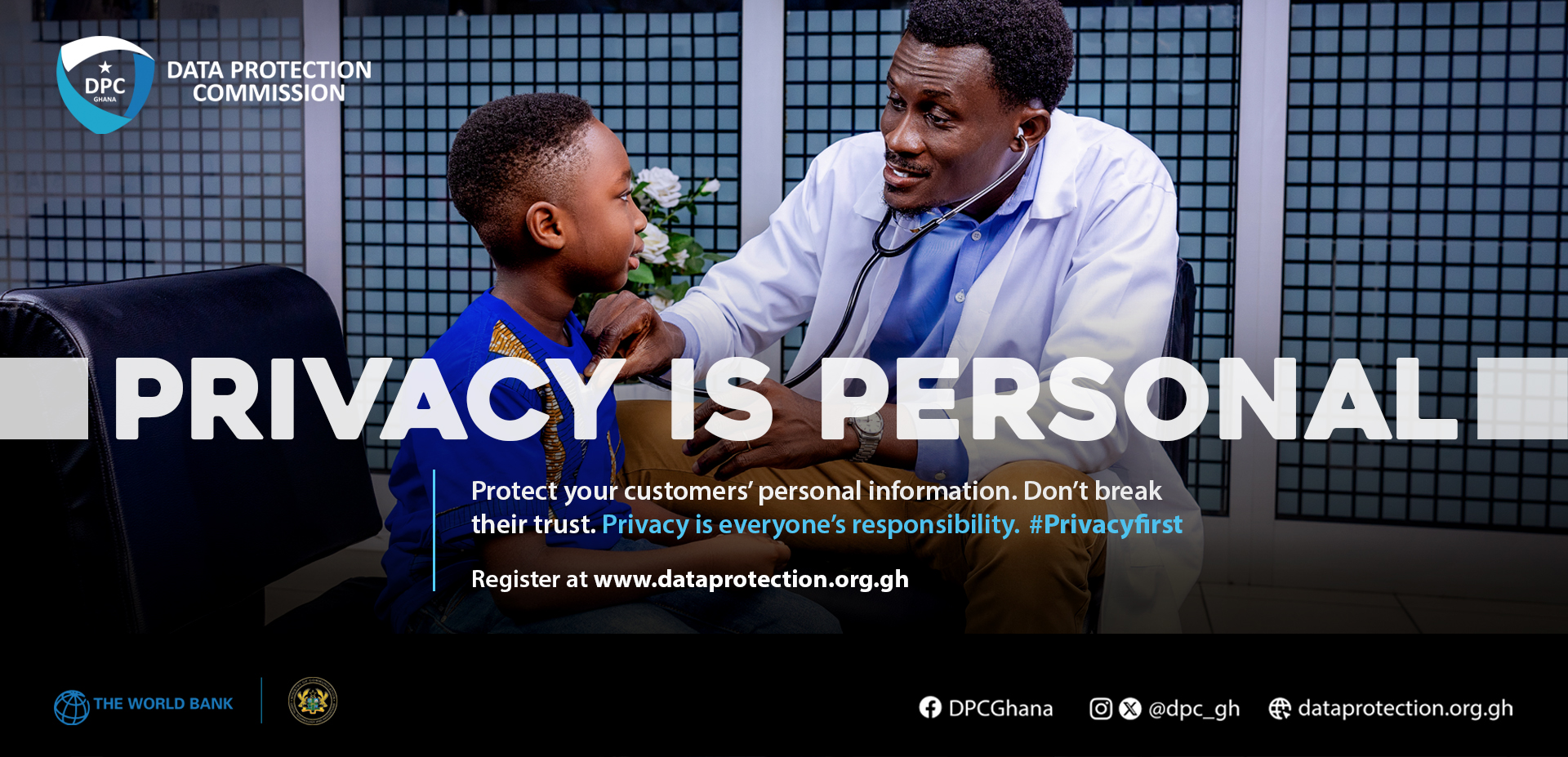
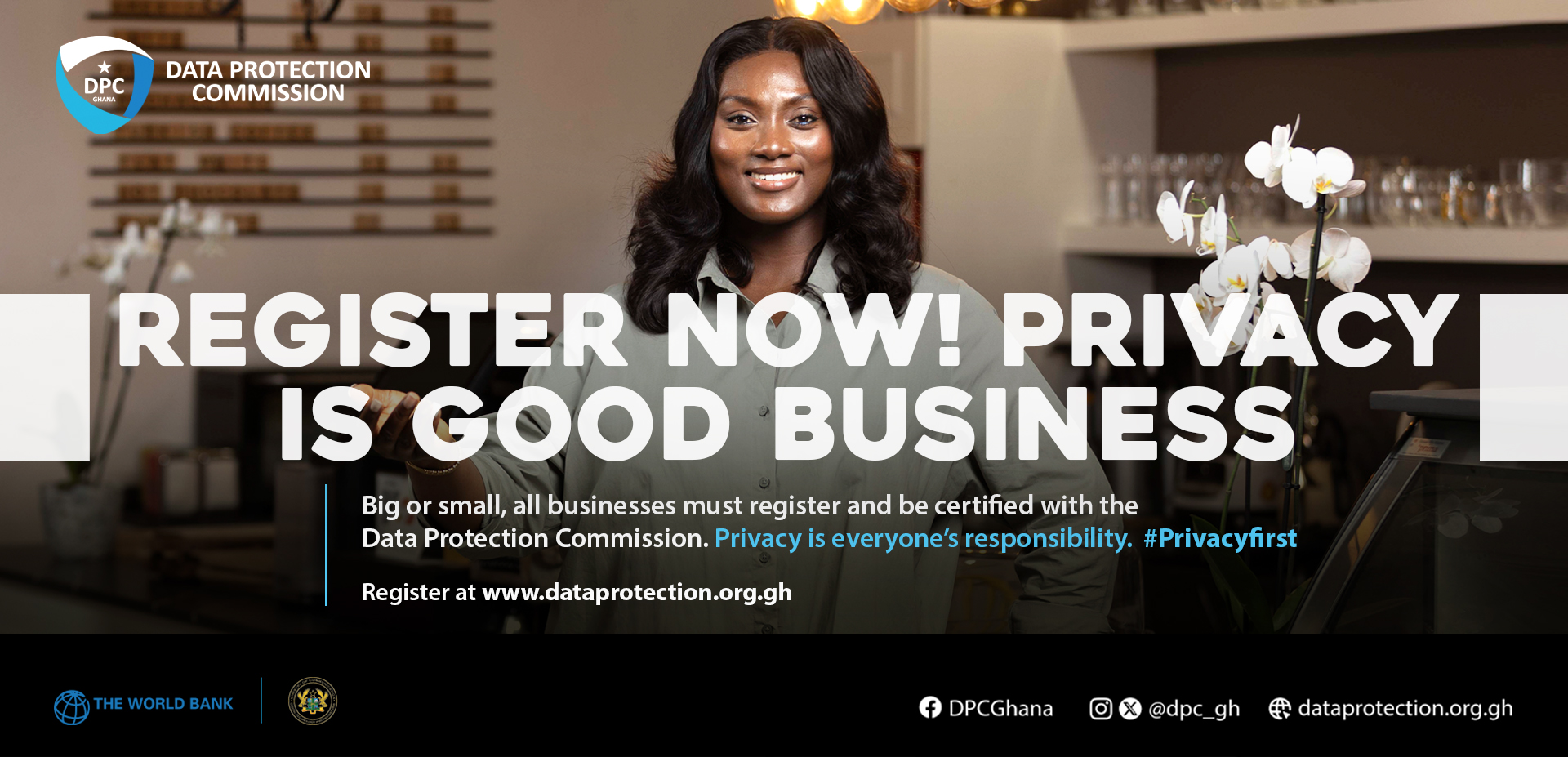
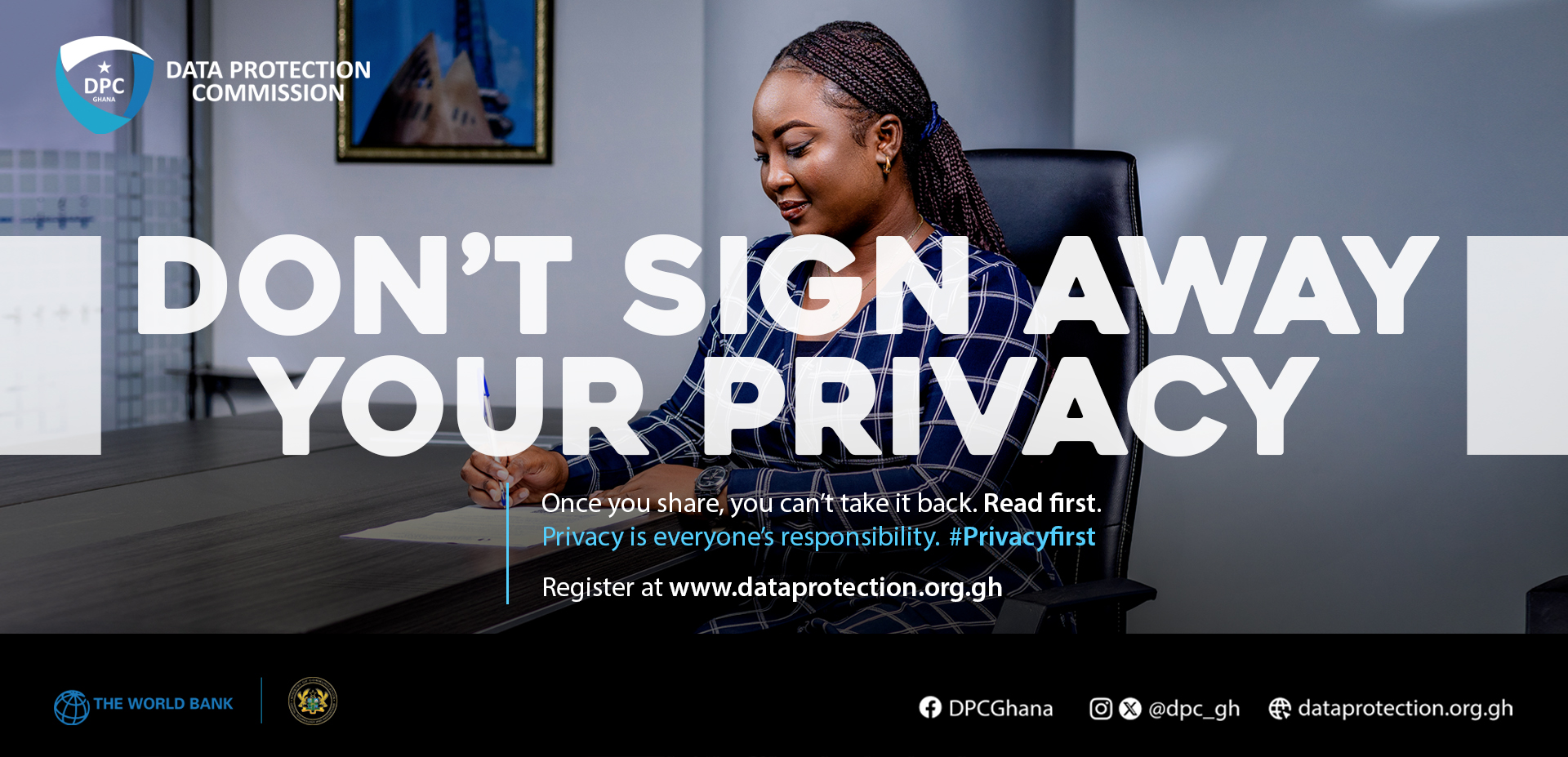
Public awareness
Privacy is personal
Registration protects people and organisations. These Commission campaigns remind everyone why Act 843 matters.


What this portal is for
One official service for registration, renewals, verification, and day-to-day contact with the Commission.
Register your organisation
Apply as a Controller, Processor, or both. Submit documents, pay the assigned fee, and receive your certificate online.
Check the register
Confirm whether an organisation is listed, verify a registration certificate, or check a Privacy Seal.
Manage an existing registration
Sign in to renew, update details, download certificates, and correspond with Commission officers.
How registration works
A clear path from account creation to an active certificate—built for organisations of every size.
-
01
Create your organisation account
Set up company profile details and upload your Certificate of Incorporation.
-
02
Submit a registration application
Select your sector and sub-sector, describe processing activities, and declare accuracy.
-
03
Pay the assigned fee
Your fee tier (Small, Medium or Large) is set by your organisation size and sector under the Commission’s published fee schedule—not self-selected.
-
04
Receive certificate & Privacy Seal
You receive your certificate and Privacy Seal together when your application is approved. Renew biennially online.
Before you apply
Information you need to register
Creating an acccount is not enough. After account creation, register to get a certificate once approved. Below is what you will need to complete a registration.
Legal identity and scale of your organisation. Most identity fields come from your company profile; the form asks for scale and addresses used on this registration.
Example fields
How the Commission classifies your activities and why you process personal data. You may select more than one sector, sub-sector, and sub-sub-sector. Fee category can depend on which ones you choose and how many.
Example fields
What personal data you process, who it relates to, and the safeguards you apply. Select every category that applies—or “Not yet known” for special data if you are still assessing.
Example fields
People the Commission can reach about this application. A primary contact is required; a secondary contact is optional.
Example fields
Supporting files and the statutory confirmation that your submission is true and complete. The Certificate of Incorporation is taken from your company profile.
Example fields
Registration fees
Categories are assigned from the sector and sub-sector on your application. You do not choose a lower tier yourself.
How your fee tier is assigned Your registration fee tier (Small, Medium or Large) is set by organisation size — annual turnover, number of employees and number of data subjects — and by the sectors you select. You are Large if turnover is GHS 5,000,000 or more or you have 250 or more employees, and Small only if turnover is below GHS 90,000 with fewer than 50 employees and fewer than 50 data subjects. Some sectors (such as banking, insurance, health, education and telecommunications) are always Large, some are at least Medium, and many become Large when you process the data of 250 or more people (employees plus customers). Being part of a group with a large associate or subsidiary also makes you Large, as do sectors the Commission has marked for confirmation. Only the highest tier applies; fees are not added across sectors.
| Tier | Assigned when | Fee (GHS) |
|---|---|---|
| Small | Annual turnover below GHS 90,000, fewer than 50 employees and fewer than 50 data subjects, in a sector without a higher minimum. | 156 |
| Medium | Any organisation that is neither Small nor Large, including small organisations in a sector with a Medium minimum. | 1,170 |
| Large | Annual turnover of GHS 5,000,000 or more, or 250 or more employees, or an always-Large sector, or a "Large at 250+" sector processing the data of 250 or more people (employees plus customers), or a group member with a large associate/subsidiary, or a sector marked Confirm. | 2,340 |
Ready to bring your organisation into compliance?
Start a registration today, or check whether a partner is already on Ghana’s public register.